

Download Framing Studio – Photo Frame, Digital Photo Editing, Fun Photo Effects, Creative Photo Editing, Children's Photo Editing Tool, Home Decor, Smartphone Photo App
Overview
Framing Studio is a mobile application designed to simplify the process of enhancing digital photographs through customizable framing and creative effects. Targeted at individuals who enjoy personalizing their images for home decor, social media, or creative expression, the app offers a lightweight yet functional tool for users of all ages. Its primary purpose is to transform ordinary photos into visually striking pieces by applying artistic frames and editing features, making it ideal for users seeking a quick and enjoyable photo editing experience.
The app is particularly well-suited for casual users, hobbyists, and children who are exploring digital creativity for the first time. The intuitive interface ensures that even users with minimal technical experience can navigate the app with ease. For those who enjoy decorating their homes with framed photos, Framing Studio provides a convenient way to preview and finalize their favorite images before printing or sharing. It also serves as an accessible tool for young users to learn basic photo editing concepts in a playful, engaging environment.
Although the developer did not provide additional technical details about the app’s background or development philosophy, its focus on simplicity and visual appeal aligns with the growing demand for accessible creative tools on mobile platforms. In the broader app ecosystem, Framing Studio fills a niche by combining aesthetic customization with user-friendly design, offering a streamlined alternative to more complex photo editing software.
Key Features & Functionality
- User-Friendly Interface: Framing Studio features an intuitive layout that allows users to select photos and apply frames with minimal effort. The clean design ensures that navigation is straightforward, reducing the learning curve for beginners and enabling quick access to core tools.
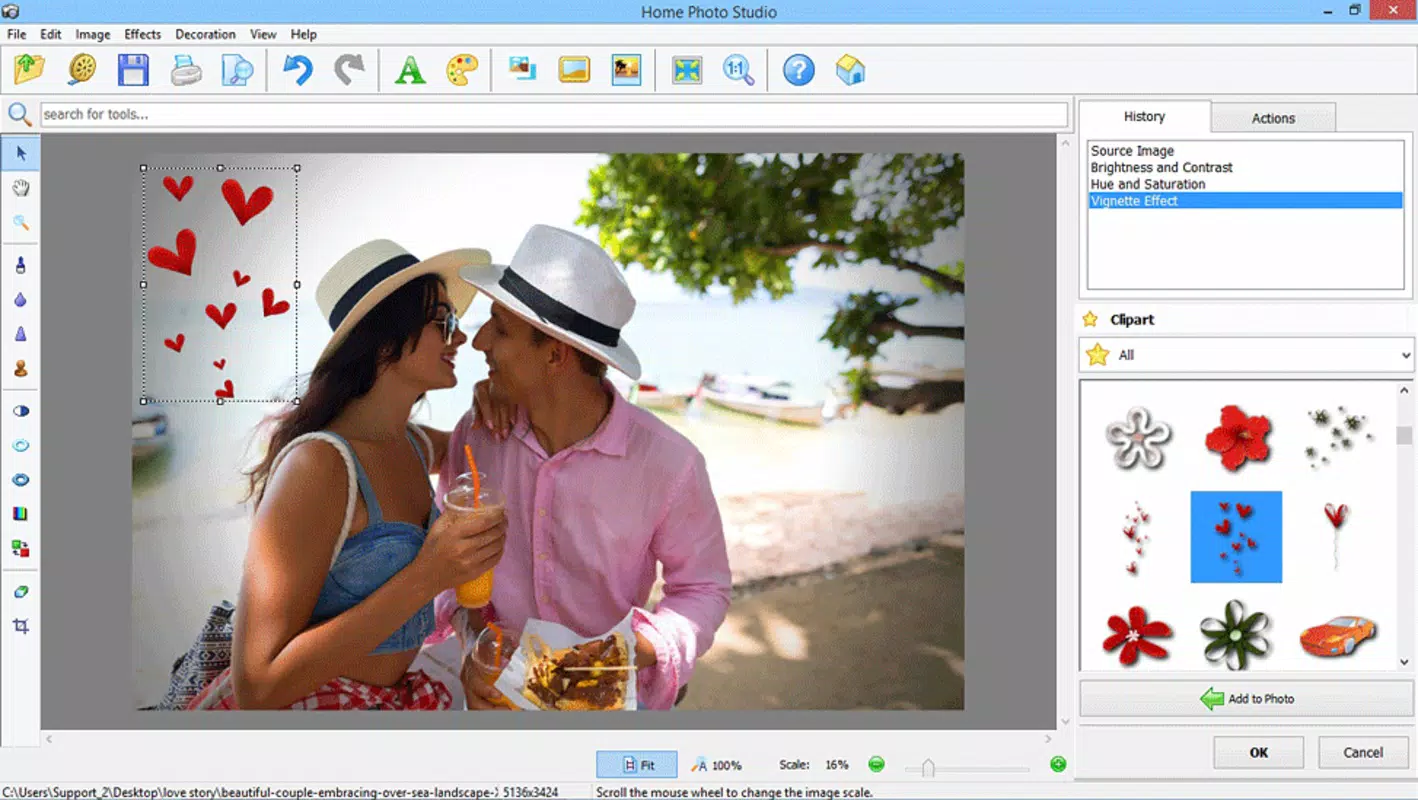
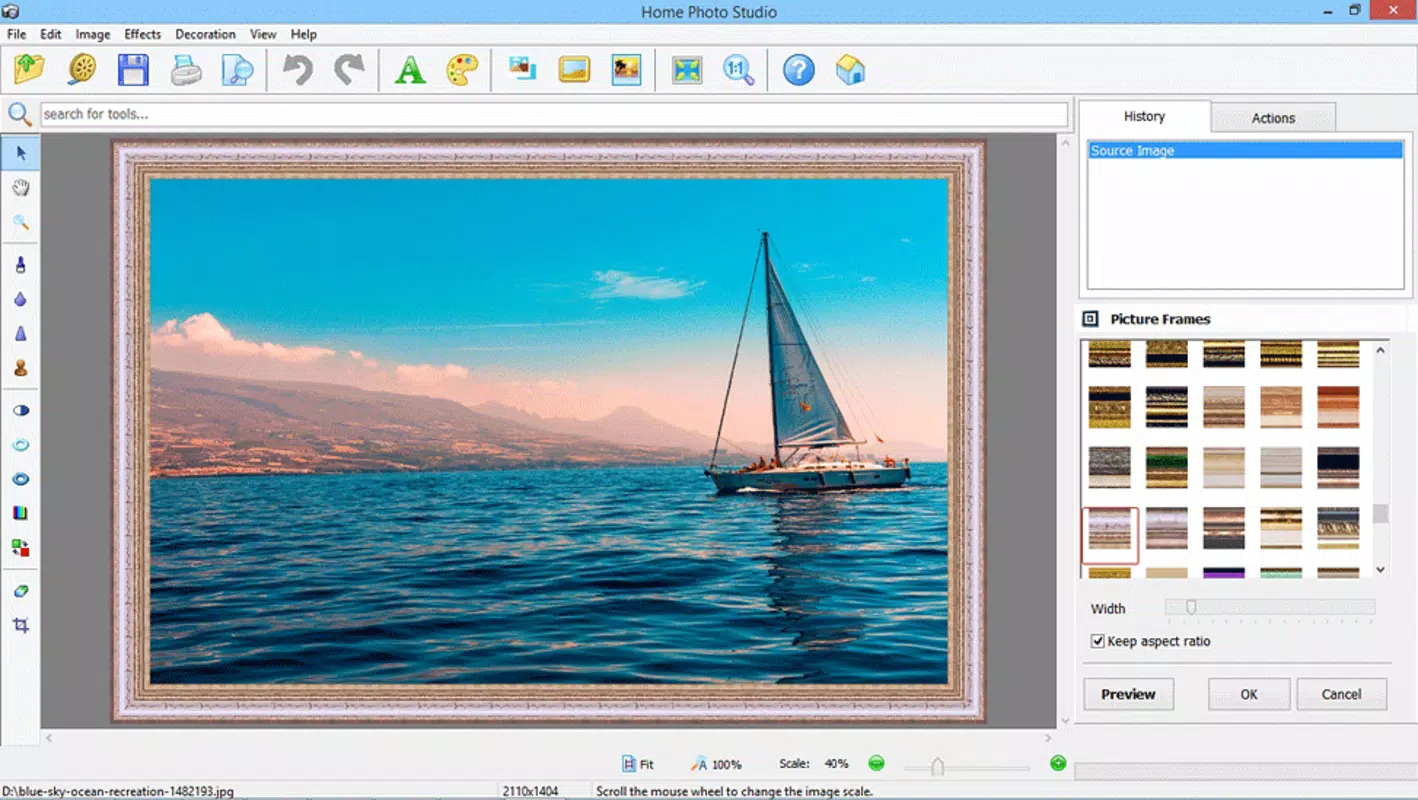
- Diverse Frame Collection: The app offers a wide variety of frames categorized by style—classic, modern, playful, and more—allowing users to match their images with the perfect visual theme. This variety supports both personal and decorative use cases, from family portraits to digital art.
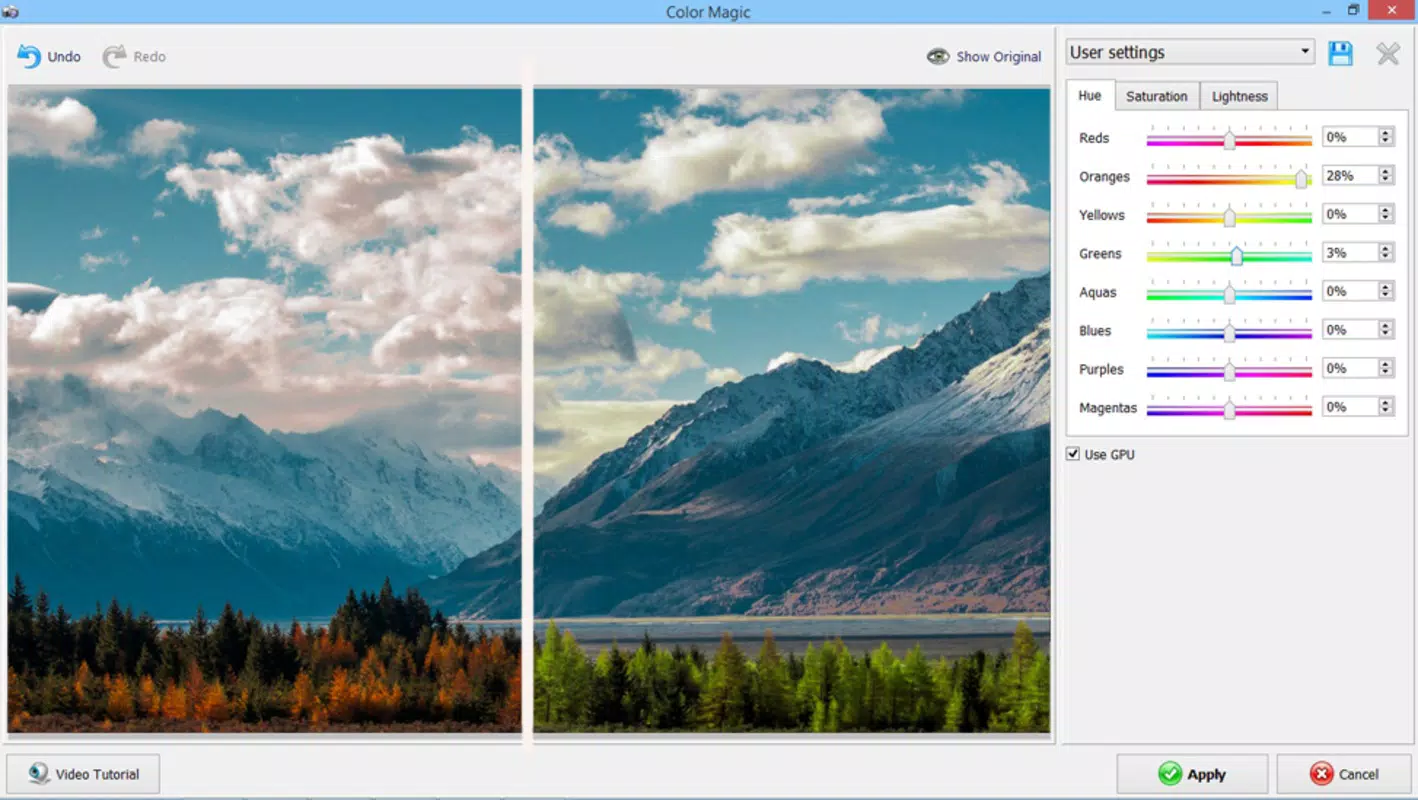
- Photo Effects Integration: Beyond framing, users can apply a range of effects such as black and white, blur, cut, and resize. These tools enable creative manipulation of images, helping users enhance mood, focus attention, or adapt photos for different sharing platforms.
- Child-Friendly Editing Experience: Designed with younger users in mind, the app’s simple controls and engaging interface encourage experimentation. Children can explore artistic expression, develop digital literacy, and gain confidence in using technology creatively.
- Quick Photo Enhancement: The app is optimized for users who want immediate visual upgrades without the complexity of professional editing software. Whether preparing images for print, social media, or personal albums, Framing Studio delivers polished results in seconds.
For example, a user could select a childhood photo, apply a vintage frame, and convert it to black and white to evoke nostalgia. Similarly, a parent might help a child frame a drawing with a cartoon-style border, turning a simple image into a cherished keepsake. These real-world applications highlight the app’s versatility and accessibility.
Interface, UX & Performance
Framing Studio presents a clean, minimalistic interface that prioritizes ease of use. The layout is logically organized, with primary functions—photo selection, frame browsing, and effect application—placed within easy reach. Navigation is linear and predictable, reducing user confusion and supporting smooth interaction across different screen sizes.
The visual style is modern and uncluttered, focusing on the photo itself rather than overwhelming the user with toolbars or menus. Buttons are clearly labeled, and transitions between screens are fluid, contributing to a responsive user experience. Although the developer did not list formal performance metrics, the app’s lightweight size of 32.5 MB suggests efficient resource usage, which may contribute to stable operation on mid-range devices.
Responsiveness appears to be consistent across different device categories, though specific performance data was not disclosed. Stability is likely maintained through a streamlined feature set that avoids heavy processing demands. Users can expect minimal lag during frame selection and effect application, making the editing process enjoyable and efficient.
Platform Compatibility & Technical Requirements
Framing Studio is available exclusively on the Android platform. The current version is 1.1, and the app occupies 32.5 MB of storage space. While the developer did not specify minimum OS requirements, the app’s lightweight nature suggests compatibility with a broad range of Android devices released in recent years.
Although compatibility information was not fully disclosed, the app’s free pricing model and modest size indicate a focus on accessibility. Users are encouraged to install the latest version to ensure optimal performance and access to all available features. The app is designed for smartphones and tablets, supporting various screen resolutions and aspect ratios.
Pros and Cons
- Simple, intuitive interface suitable for all ages
- Wide selection of frames across multiple styles
- Integrated photo effects for creative customization
- Free to download and use
- Lightweight design with low storage footprint
- No detailed technical specifications provided
- Platform limited to Android only
- Specific performance benchmarks not disclosed
- No mention of cloud sync or export options
- Compatibility details not fully outlined
FAQ
Is Framing Studio safe to download and use?
Yes, the app is available through official Android channels and is free from known malware. As with any third-party app, users should ensure they download from trusted sources.
Can I use Framing Studio on iOS devices?
Currently, Framing Studio is only available for Android. There is no official iOS version available at this time.
Does Framing Studio require internet access?
Basic editing functions can be performed offline. However, certain features such as updates or frame downloads may require an internet connection.
How often is Framing Studio updated?
The app was last updated in 2021. While the developer has not announced a release schedule, users are advised to check for updates through the Google Play Store.
Is Framing Studio suitable for children?
Yes, the app’s simple interface and fun editing tools make it an excellent choice for children learning basic photo editing skills in a safe and engaging environment.
Final Thoughts
Framing Studio stands out as a lightweight, accessible tool for users who want to enhance their photos with style and creativity. Its combination of diverse frames, basic effects, and a child-friendly design makes it a versatile choice for personal use, home decor projects, and early digital art exploration. While it lacks advanced editing capabilities, it excels in simplicity and visual appeal, delivering immediate results without complexity.
For casual users, parents, and young creators, Framing Studio offers a fun and secure way to personalize digital images. Its free model and minimal system requirements ensure broad accessibility across Android devices. If you're looking for a straightforward photo editing app that focuses on framing and fun effects, this tool delivers value without compromise.
Download Framing Studio now


